
Step-by-step guide · 5 min read
eBay Card Scanner: How to Scan Sports Cards in the eBay App
· By the Sports Card Value Scanner team
Quick answer
The eBay app has two card scanners. Scan to list identifies a raw card from your camera and creates a draft listing for you to finish. The Price Guide's Scan cards tool, in My eBay under Shortcuts, shows recent eBay sales for the card you scan. Both are free and only work in the eBay app on iPhone and Android, not on the website. Use them when you're selling on eBay, and a separate scanner app when you're sorting or tracking a collection.
eBay added card scanning to its app in two stages. In March 2021 it announced Scan to list, a tool that matches a photo of a trading card to its catalogue and fills in the listing details, which eBay said could cut listing time in half. It started with Magic: The Gathering, followed by Pokémon and Yu-Gi-Oh!, and eBay's help pages now describe it for sports cards too. In November 2025 eBay launched a Price Guide for sports cards in early access. Its Scan cards shortcut shows about two years of eBay sales for the scanned card, including accepted Best Offers, and lets you list it, shop active listings or add it to a collection on eBay. Both tools are free for US users and live only in the iOS and Android apps. They're built around buying and selling on eBay, so they work best when that's what you plan to do with the card.
| Scanners in the eBay app | Scan to list and the Price Guide's Scan cards shortcut |
|---|---|
| Where they work | The eBay app on iPhone and Android only, not the website |
| Scan to list | Matches a raw card and creates a draft listing (announced March 2021) |
| Price Guide scanner | About two years of eBay sales, including accepted Best Offers (early access since November 2025) |
| Cost | Free for US users, per eBay's November 2025 announcement |
What card scanners does the eBay app have?
The eBay app has two card scanners. Scan to list turns a photo of a raw card into a draft listing, and the Price Guide's Scan cards shortcut shows recent eBay sales for a sports card.
| Tool | What it does | Where to find it |
|---|---|---|
| Scan to list | Matches a raw card and creates a draft listing with the details filled in | Selling, then List an item, then the camera scanner |
| Price Guide: Scan cards | Shows about two years of eBay sales for the scanned sports card | My eBay, then Shortcuts, then Scan cards |
Neither tool works on eBay's website. Update the eBay app to the latest version first, because both features have changed since launch and older versions may not show them.
How do you use eBay Scan to list?
Start a listing in the eBay app, open the camera scanner, scan the card and pick the matching result. eBay then creates a draft listing for you to check and finish.
- 1
Start a listing in the app
Open the eBay app, go to Selling and tap List an item. Enter the card type or game so eBay opens the right catalogue.
- 2
Open the camera scanner
Tap the scan box below the search bar to launch the image scanner. Lay the card flat on a plain surface in good light.
- 3
Scan and pick the match
Point the camera at the front of the card, then choose the matching card from the results. For a parallel or foil, pick that exact version if it's listed.
- 4
Finish the draft
eBay creates a draft listing with the details filled in. Add your own photos, the condition, price and shipping, and check every field before you publish. You're responsible for what the listing says.
Scan to list works on raw cards, so slabbed cards still need a regular listing. If you can't find the scanner, check that you're in the app rather than a browser, and that the category you entered supports it.
How do you scan sports cards on eBay for prices?
To scan sports cards on eBay for value rather than to list them, use the eBay Price Guide Scan cards shortcut. In the app, open My eBay, find Shortcuts and tap Scan cards. Point the camera at the card and eBay shows recent sales of that card on eBay, going back about two years and including accepted Best Offer prices. From there you can list the card, shop for copies or add it to your collection on eBay.
When eBay launched the Price Guide in November 2025, it said the tool was free for US users, with no subscription fees or usage limits, and didn't need a seller account. It was labelled early access, so expect changes.
What don't eBay's card scanners tell you?
eBay's scanners tell you which card you have and what copies sold for on eBay. They don't judge your copy's condition, catch every parallel or show sales outside eBay.
- Condition. A match tells you which card it is, not how sharp your copy is. Compare sales of cards in the same condition, raw or graded.
- Every version. Parallels can look almost identical in a photo. Check the border, finish and any serial number by eye, as explained in what is a parallel card.
- Sales outside eBay. The Price Guide uses eBay's own sales, so it won't show auction houses or other marketplaces.
Our guide on how to price sports cards on eBay explains how to read sold listings and pick a fair number from them.
Should you use the eBay card scanner or a card scanner app?
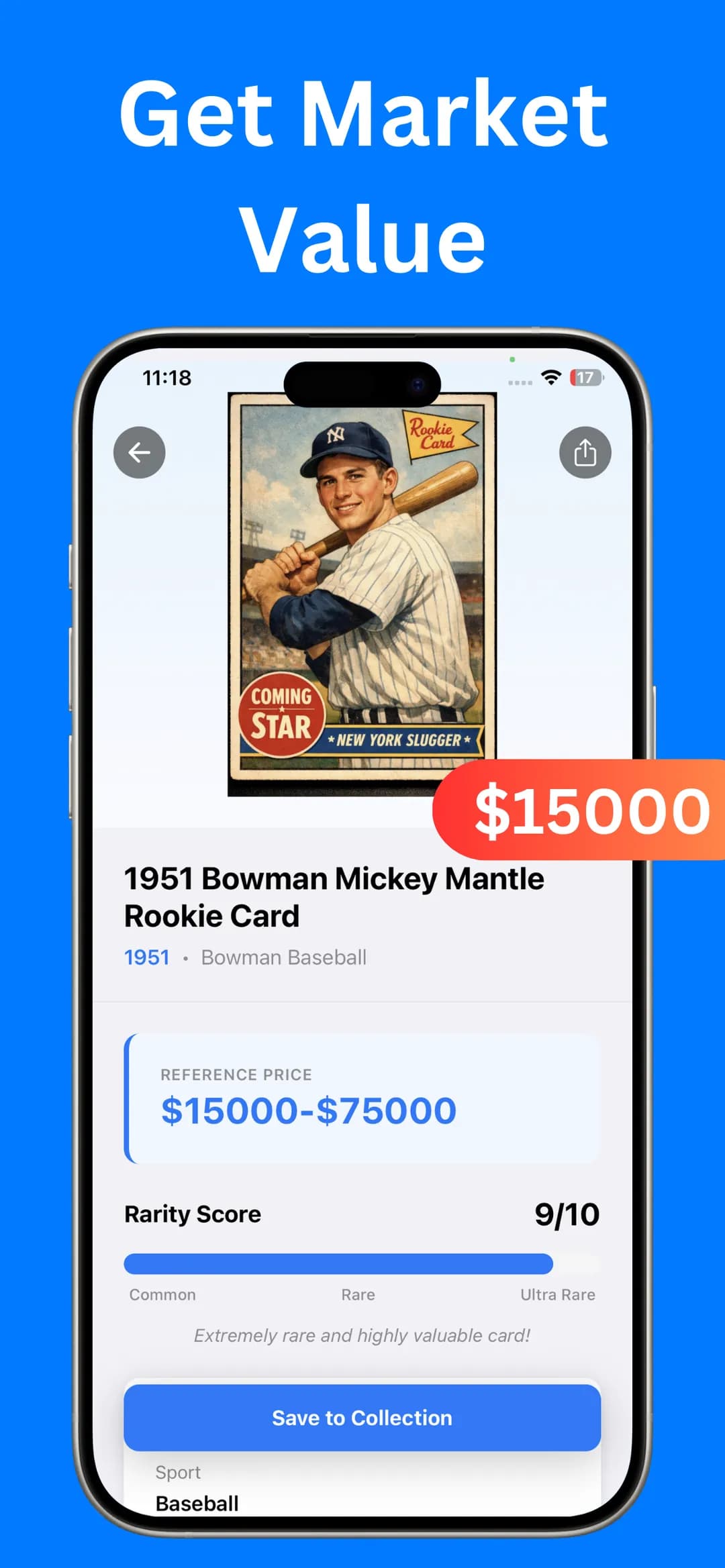
eBay's tools make sense when the next step is selling on eBay. A separate scanner app suits the step before that: going through a box, working out which cards matter, and keeping a record of what you own. Sports Card Value Scanner identifies a card from a photo and shows its year, set and card number with a reference price range, estimated eBay values and a rarity score out of 10. Save cards to My Collection for a running total, then export the list of scanned cards to a file.
Many collectors use both: Sports Card Value Scanner to sort and track, and eBay's scanners when it's time to list. Our best sports card scanner apps comparison covers the other options.
Frequently asked questions
Does eBay have a card scanner?
Yes, two. Scan to list creates a draft listing from a photo of a raw card, and the Price Guide's Scan cards shortcut shows recent eBay sales for a sports card. Both are in the eBay app only.
Why can't I find eBay Scan to list?
It only works in the eBay app on iPhone and Android, not in a browser. Update the app, start a listing from Selling, and make sure the category you entered supports scanning.
Is the eBay Price Guide scanner free?
eBay said at launch in November 2025 that it's free for US users with no subscription fees or usage limits. It was in early access, so the details may change.
Sources

Find out what your cards are worth
Scan your first card in seconds. Get the card details, a reference price range and a rarity score, then build a collection you can track.


4.5★ App Store (75) · 4.4★ Google Play (79) · Free to download